 d4d15effd5
|
||
|---|---|---|
| docs | ||
| sdl-mgr | ||
| sdl-wkr | ||
| tools | ||
| .gitignore | ||
| LICENSE.md | ||
| README.md | ||
| changelog.json | ||
| config.json | ||
| install-sdl.sh | ||
| metadata.json | ||
README.md
Software Defined Laboratory (SDL)
| Attribute | Value |
|---|---|
| Author | John Haverlack |
| Copyright | 2026 John Haverlack |
| License | MIT |
| Version | 0.3.8 |
| Date | 2026-02-01 |
Overview
The Software Defined Laboratory (SDL) project provides a generalized distributed computing platform for managing parallel computational workflows across a cluster of distributed nodes. SDL is a minimalistic High Performance Compute (HPC) platform focused on minimizaton of technical debt associated configuration, deployability, and maintenance of the cluster.
Design
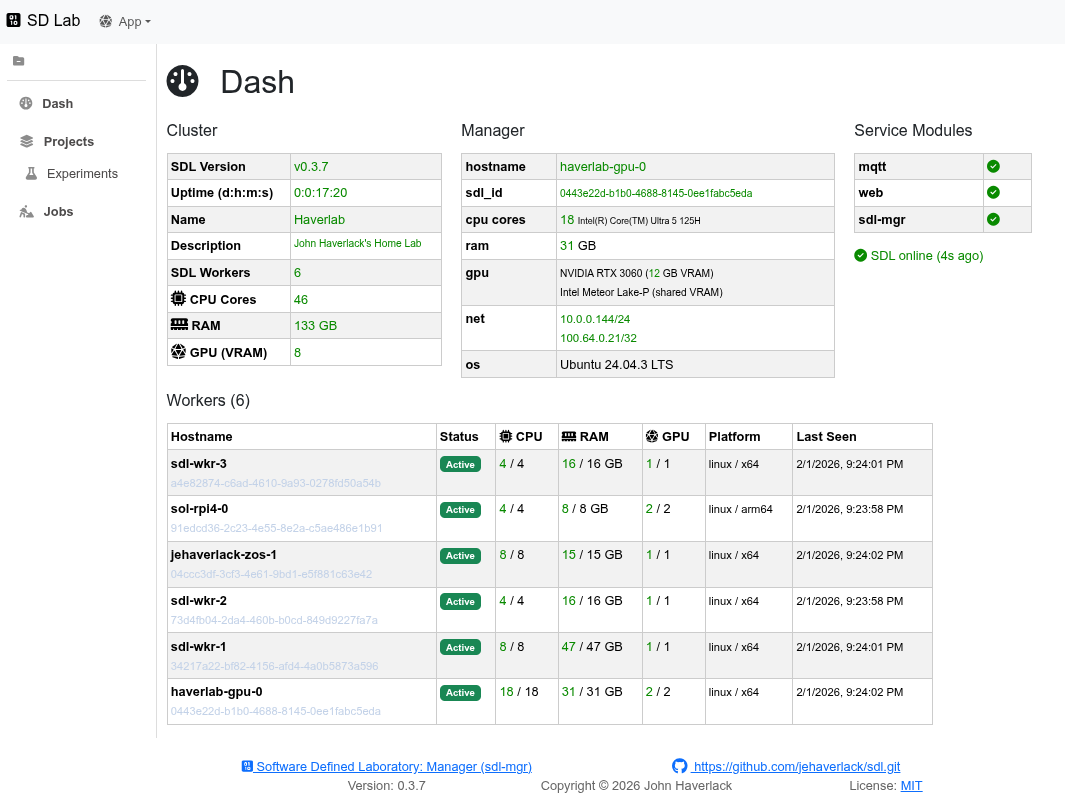
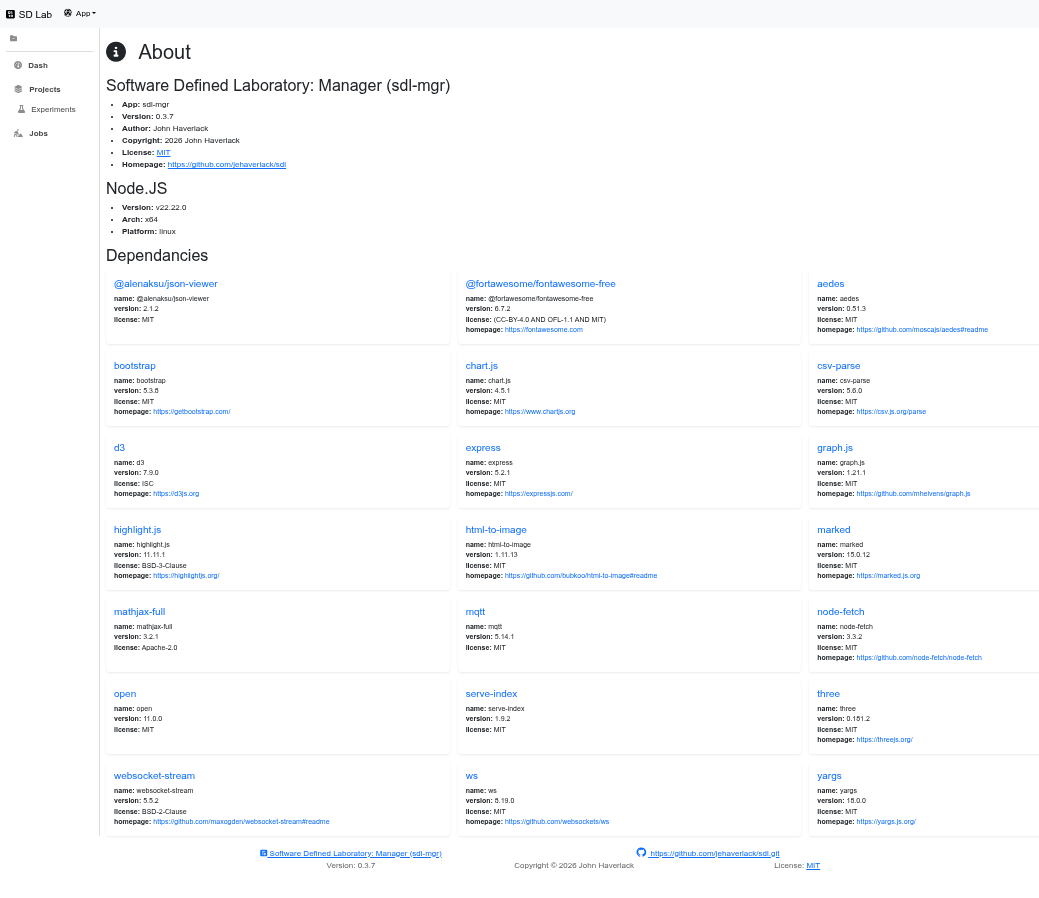
For more information, see the Design document.
Getting Started
See also: Installation
$ git clone https://github.com/jehaverlack/sdl.git
$ cd sdl
$ ./install-sdl.sh
Point you browser to http://IP-ADDR:8081
Firewall Rules
NOTE: Firewall rules are required to allow SDL Worker to connect to your SDL Manager.
sudo ufw allow in proto tcp from <NETWORK CIDR> to any port 8081
sudo ufw allow in proto tcp from <NETWORK CIDR> to any port 1883
sudo ufw allow in proto tcp from <NETWORK CIDR> to any port 9001
sudo ufw allow in proto udp from <NETWORK CIDR> to any port 10101
SDL Worker Installation
Listen to UDP 10101 for beacon messages broadcast by your SDL Manager.
nc -u -l -k 10101 |jq
NOTE: CTRL-C to exit
nc. You cannot runncon port 10101 in parallel with the sdl-wkr. So run it once to get the install command. Tnen install sdl-wkr.
Run the curl or wget command provided by SDL Manager UDP beacon to install SDL Worker locally.