1.9 KiB
Node Web App (NWA)
| Attribute | Value |
|---|---|
| Author | John Haverlack |
| Copyright | 2026 John Haverlack |
| License | MIT |
| Version | 0.1.1 |
| Date | 2026-07-04 |
Overview
The Node Web App (NWA) project provides a Node.JS based Web Application Template for building Websites with serverside API and Web Front End.
Design
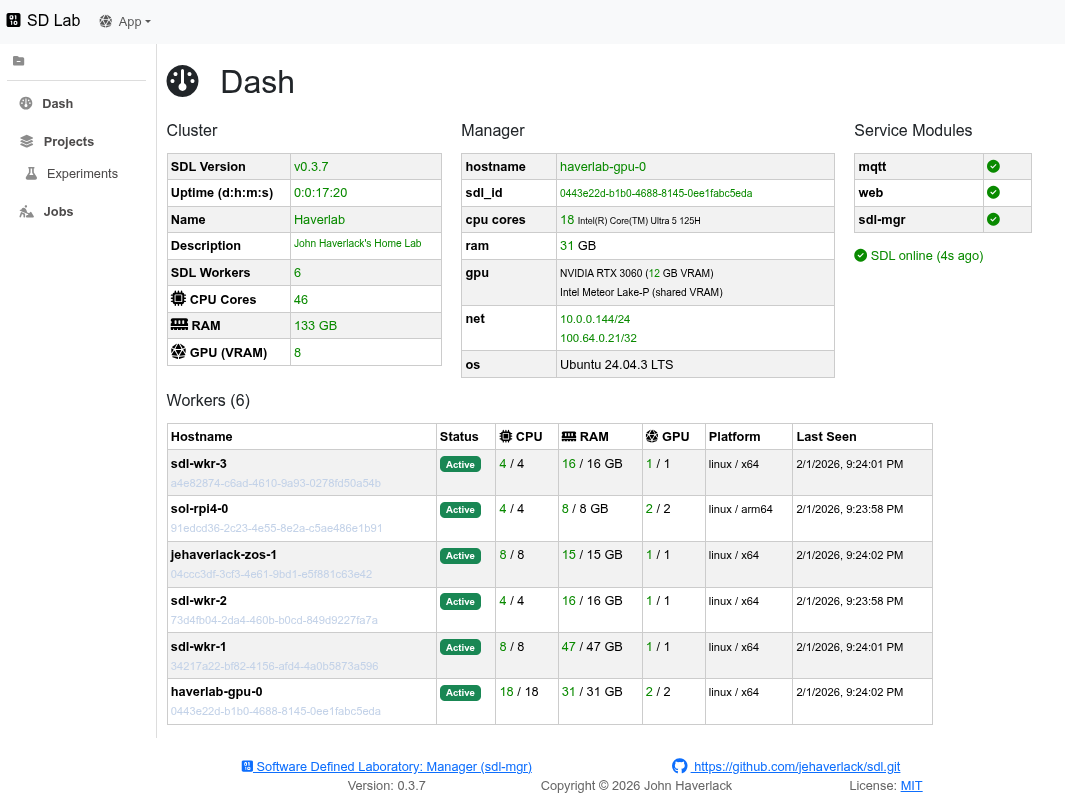
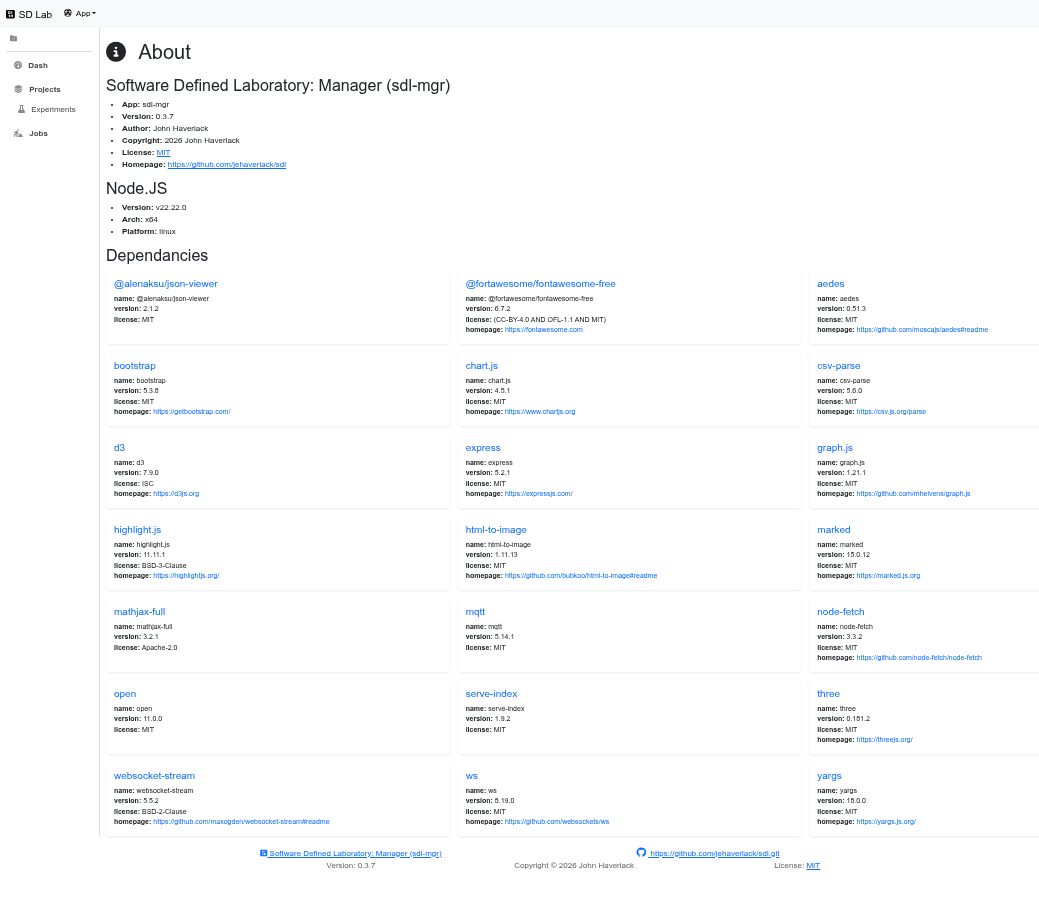
For more information, see the Design document.
Getting Started
See also: Installation
$ git clone https://github.com/jehaverlack/sdl.git
$ cd sdl
$ ./install-sdl.sh
Point your browser to http://IP-ADDR:8081
Firewall Rules
NOTE: Firewall rules are required to allow SDL Workers to connect to your SDL Manager.
sudo ufw allow in proto tcp from <NETWORK CIDR> to any port 8081
sudo ufw allow in proto tcp from <NETWORK CIDR> to any port 1883
sudo ufw allow in proto tcp from <NETWORK CIDR> to any port 2883
sudo ufw allow in proto udp from <NETWORK CIDR> to any port 10101
SDL Worker Installation
Discovery of the SDL Manager
Listen on UDP port 10101 for beacon messages broadcast by your SDL Manager. ```nc' is only used for discovery, once and SDL worker is running these sets.
nc -u -l -k 10101 | jq
Or to get the install command from the beacon message:
nc -u -l -k 10101 | jq -r '.msg.sdl_wkr_install_cmd[]'
NOTE: If you use UFW or a local firewall, you must allow SDL Worker to listen on UDP port 10101.
sudo ufw allow in proto udp from <NETWORK CIDR> to any port 10101
NOTE: CTRL-C to exit
nc. You cannot runncon port 10101 in parallel with the sdl-wkr. So run it once to get the install command. Then install sdl-wkr.
Installing a SDL Working Node
Run the curl or wget command provided by SDL Manager UDP beacon to install SDL Worker locally.